AWS CLI with Amazon SNS
Managing Notifications with SNS
We will get familiar with CLI through the SNS service.
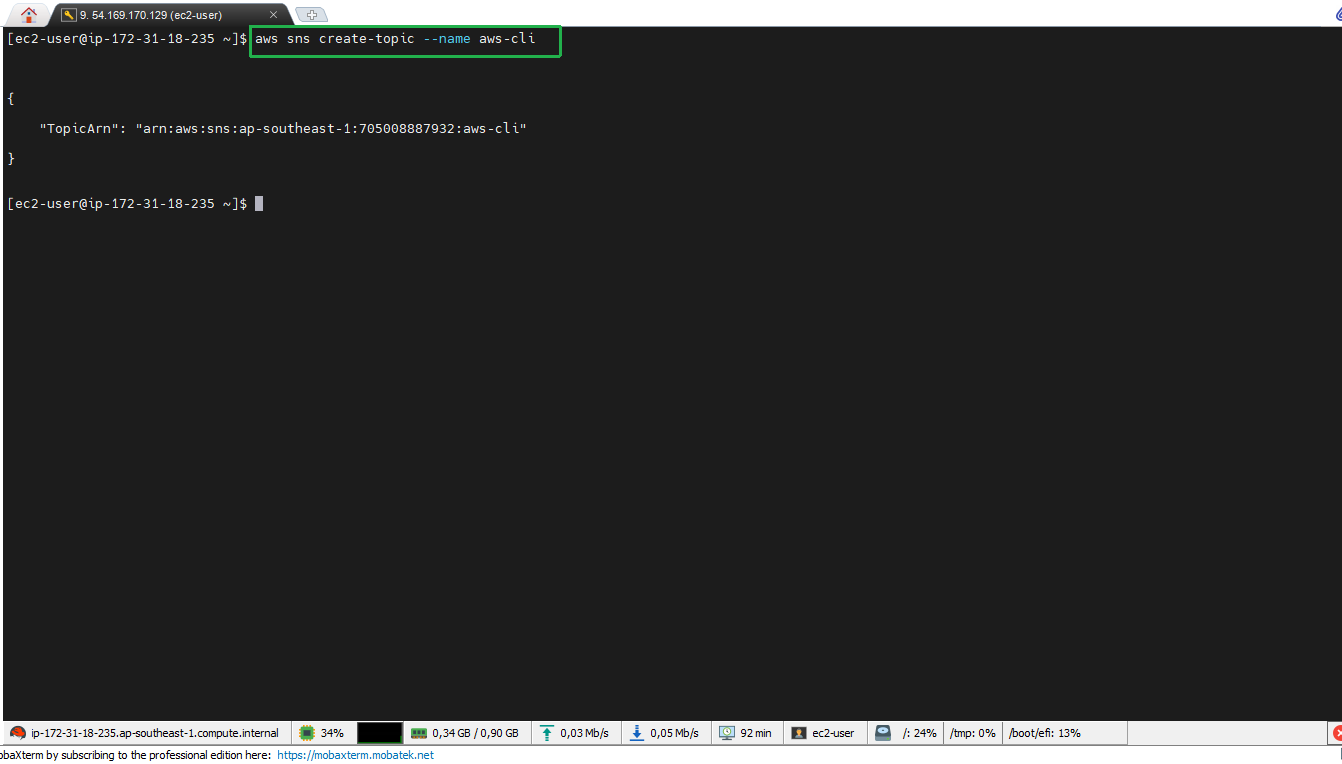
- Create an SNS topic
To create an SNS topic, we do the following:
aws sns create-topic --name aws-cli
- Copy the TopicARN.
- Subscribe a subscriber
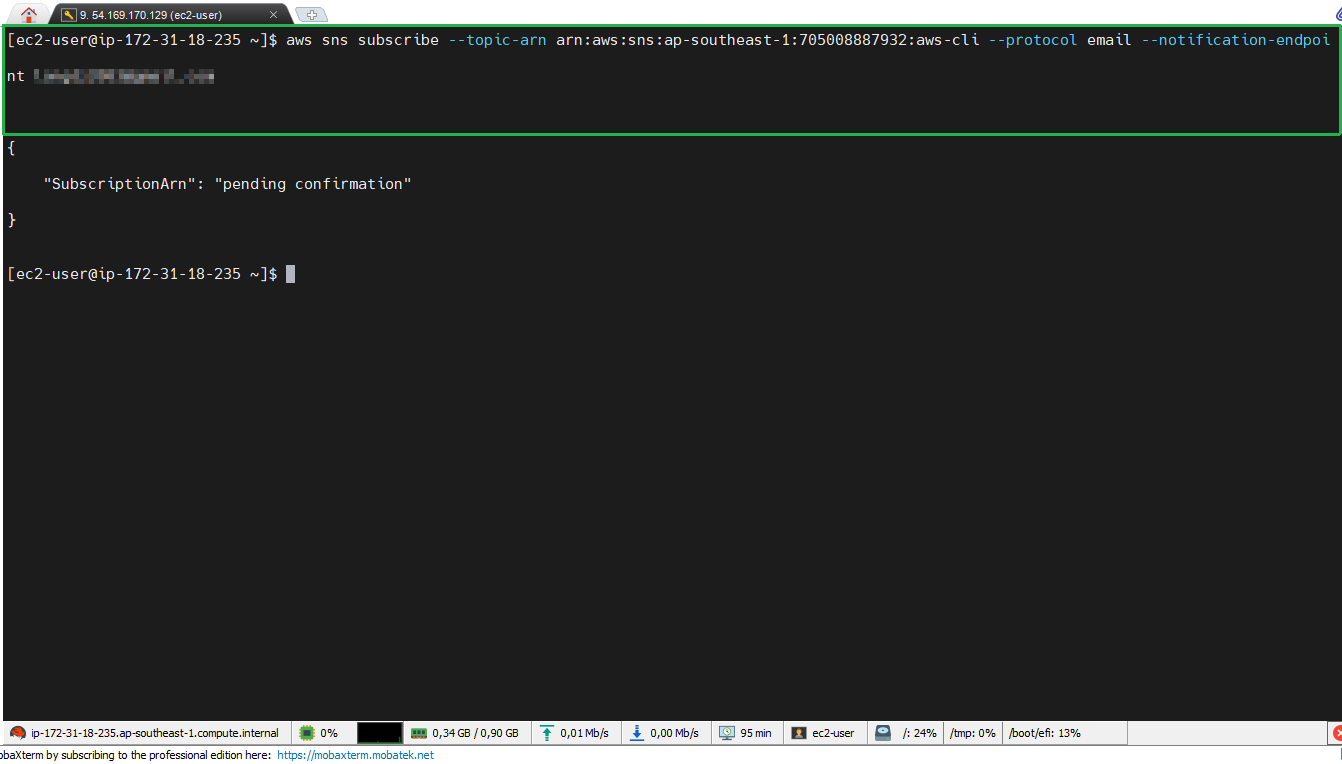
After successfully creating the SNS topic, we subscribe a subscriber with the following command:
aws sns subscribe --topic-arn **ARN Topic** --protocol email --notification-endpoint aws@example.com
Don’t forget to replace ARN Topic with the ARN of the topic you created in the previous step and replace aws@example.com with your email
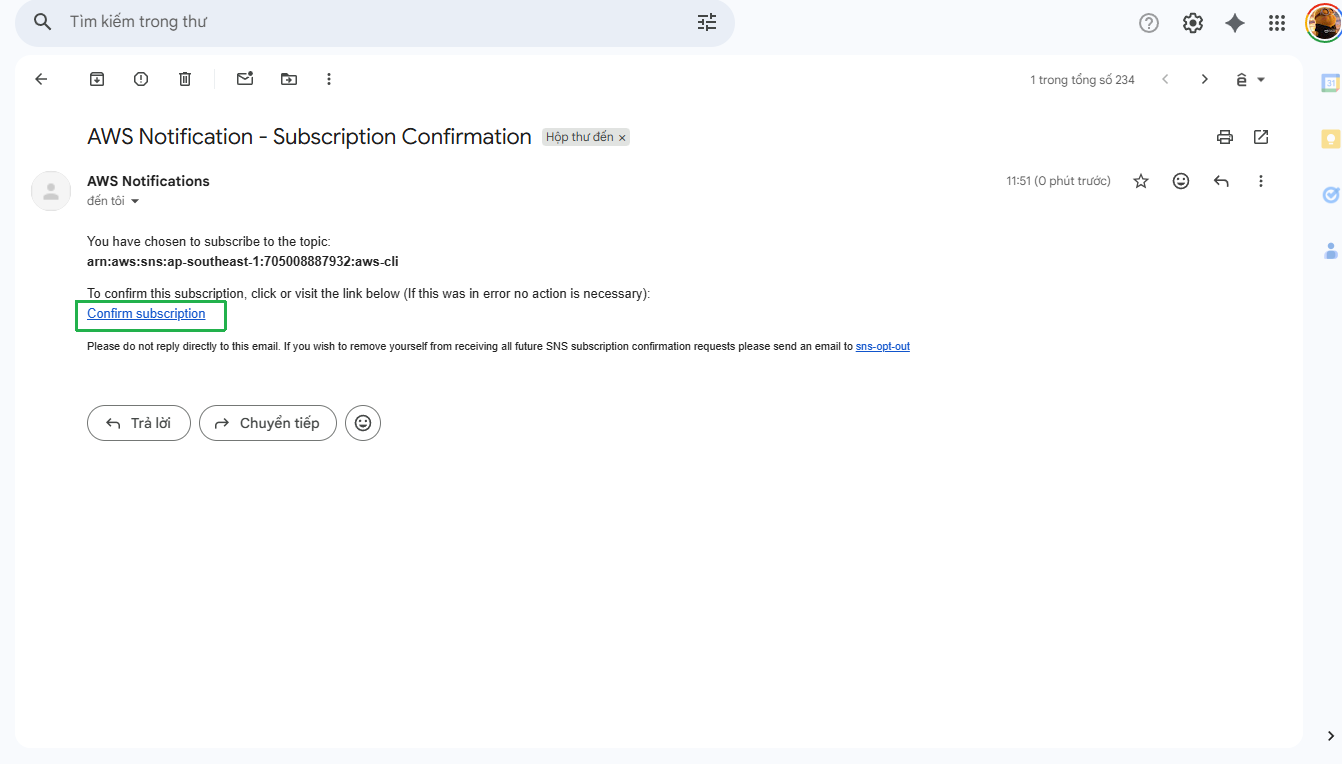
- Confirm subscription
Check the email you used in the previous command. Then, select Confirm subscription in the email to complete the subscription.
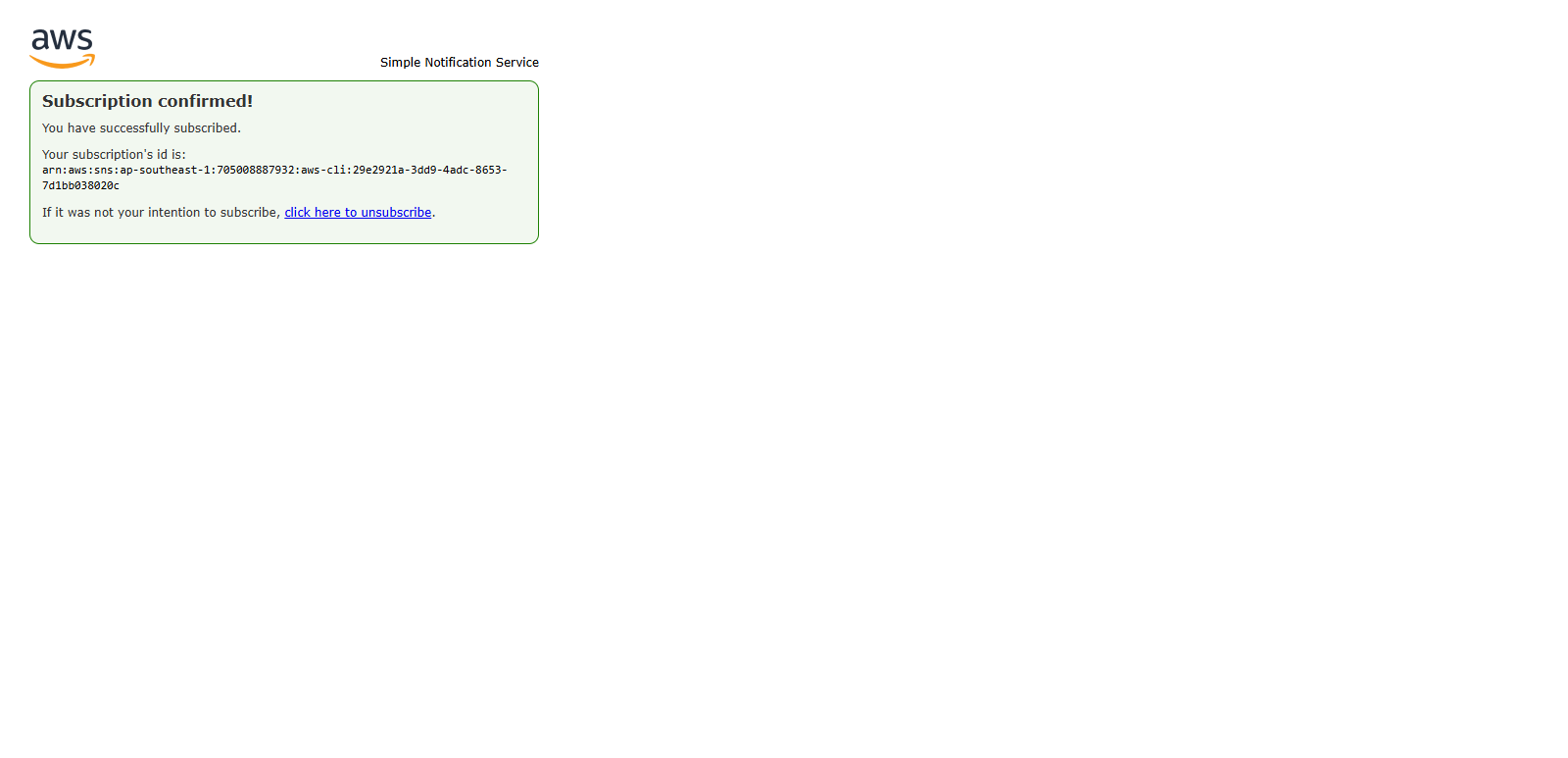
- Complete subscription
When you have confirmed the subscription, the subscription status will be complete.
- Push a message to test
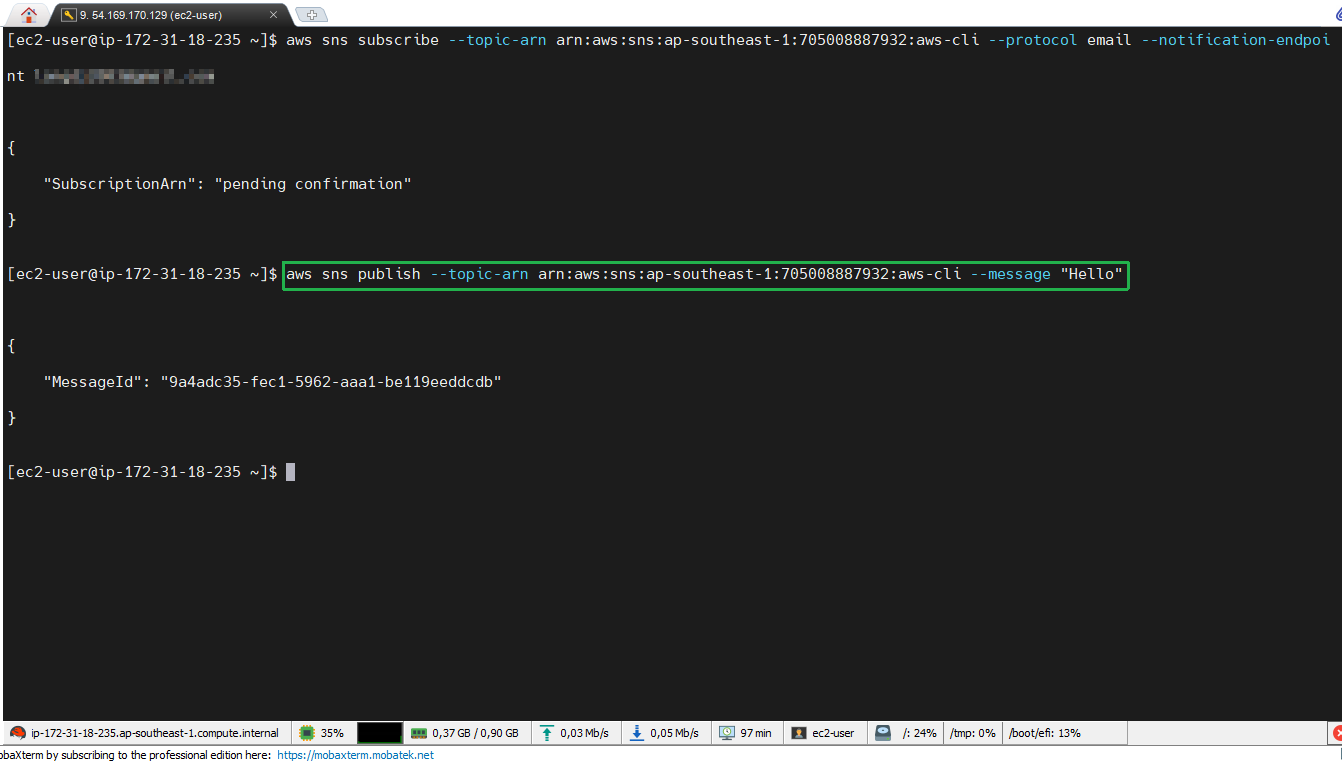
After successfully subscribing, we will try pushing a message to test:
aws sns publish --topic-arn **ARN Topic** --message "Hello"
This command sends a message with content "Hello" to all subscribed subscribers.
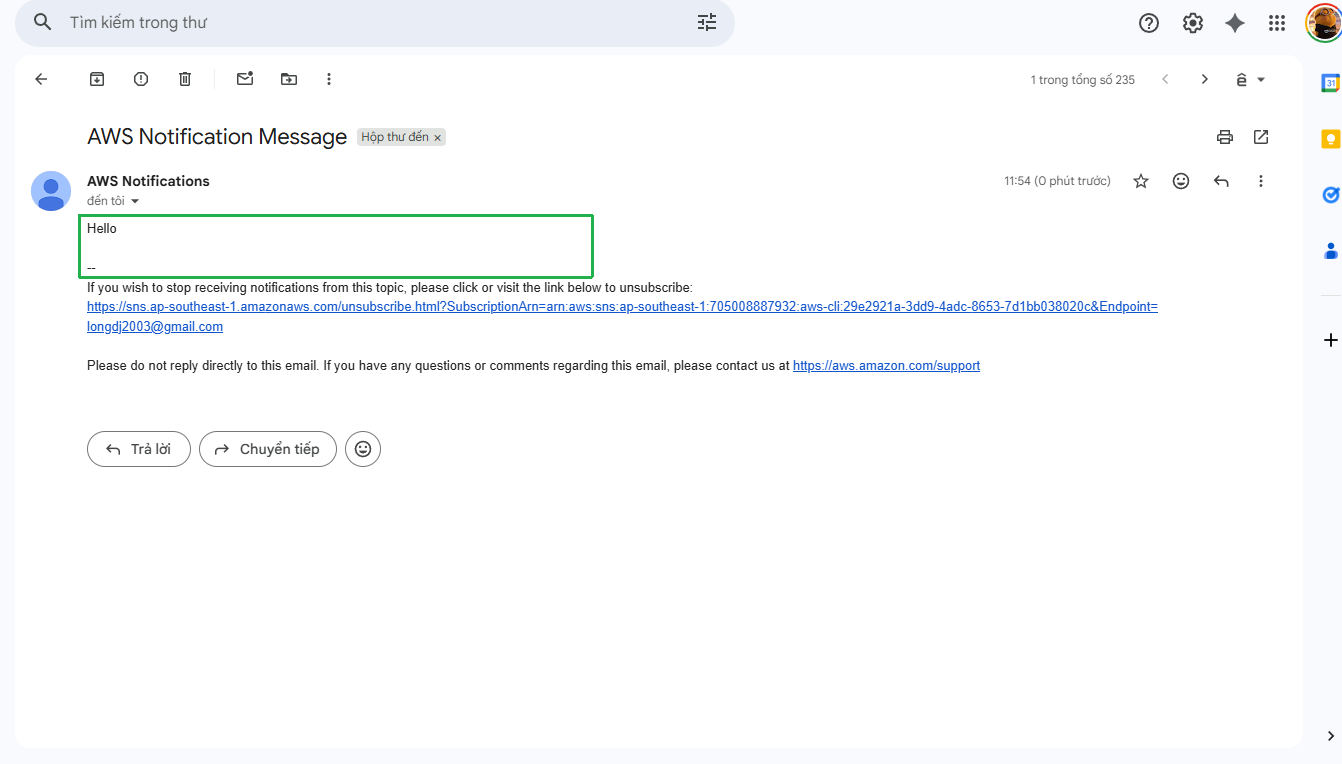
- Receive message via email
If everything works correctly, you will receive the sent message via email.