AWS CLI with IAM
Managing Users and Permissions
We can quickly create IAM groups, IAM users, and policies using CLI. The steps are as follows:
- Create IAM Group
First, we will create a new IAM group with CLI:
aws iam create-group --group-name dev
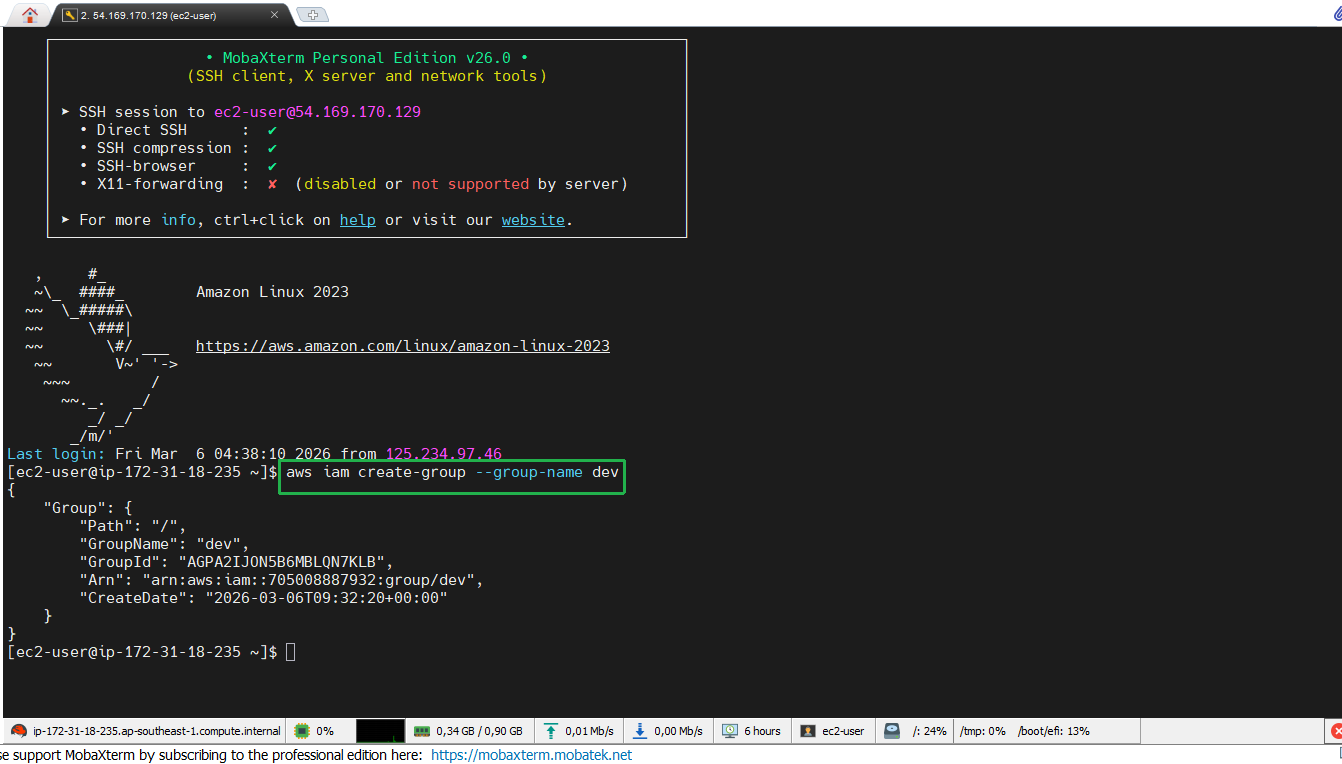
Note that the group name must be unique within your AWS account.
- Create IAM User
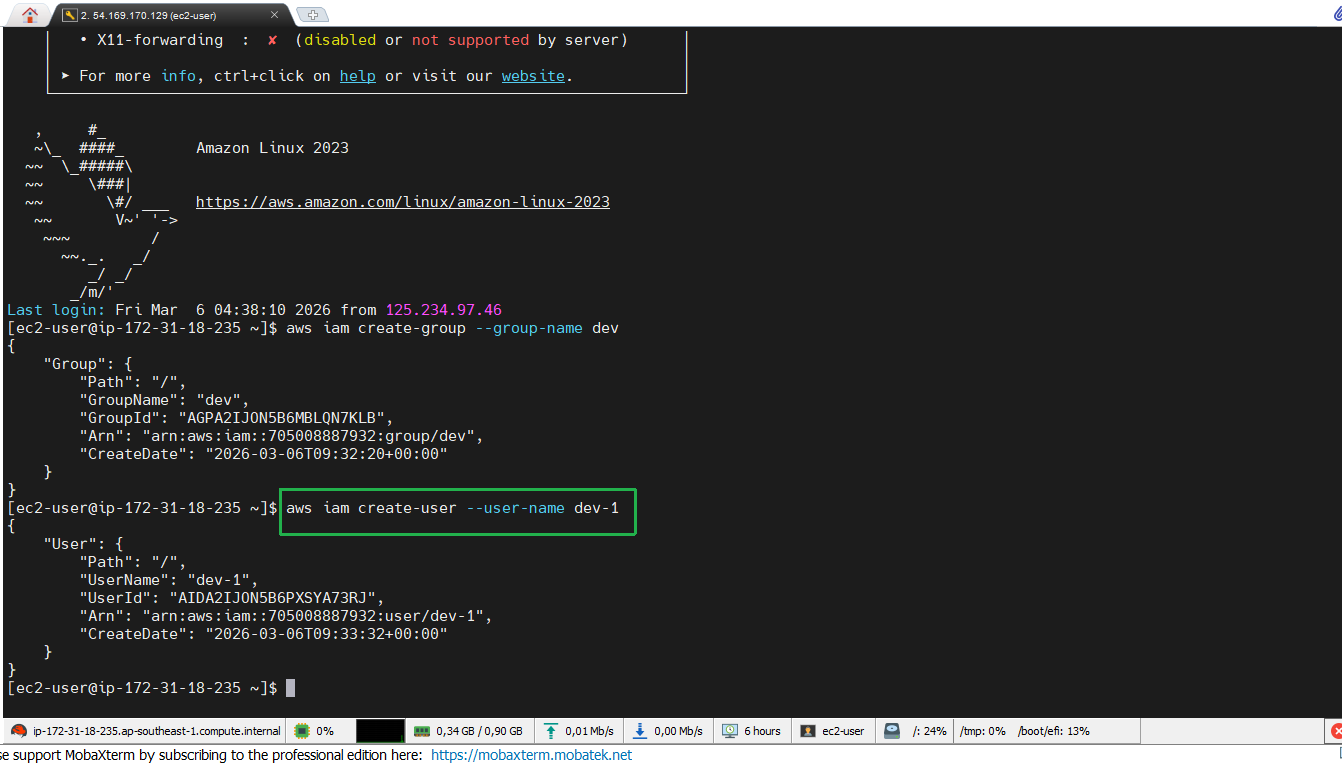
Next, we will create a new user and name it dev-1:
aws iam create-user --user-name dev-1
- Add User to Group
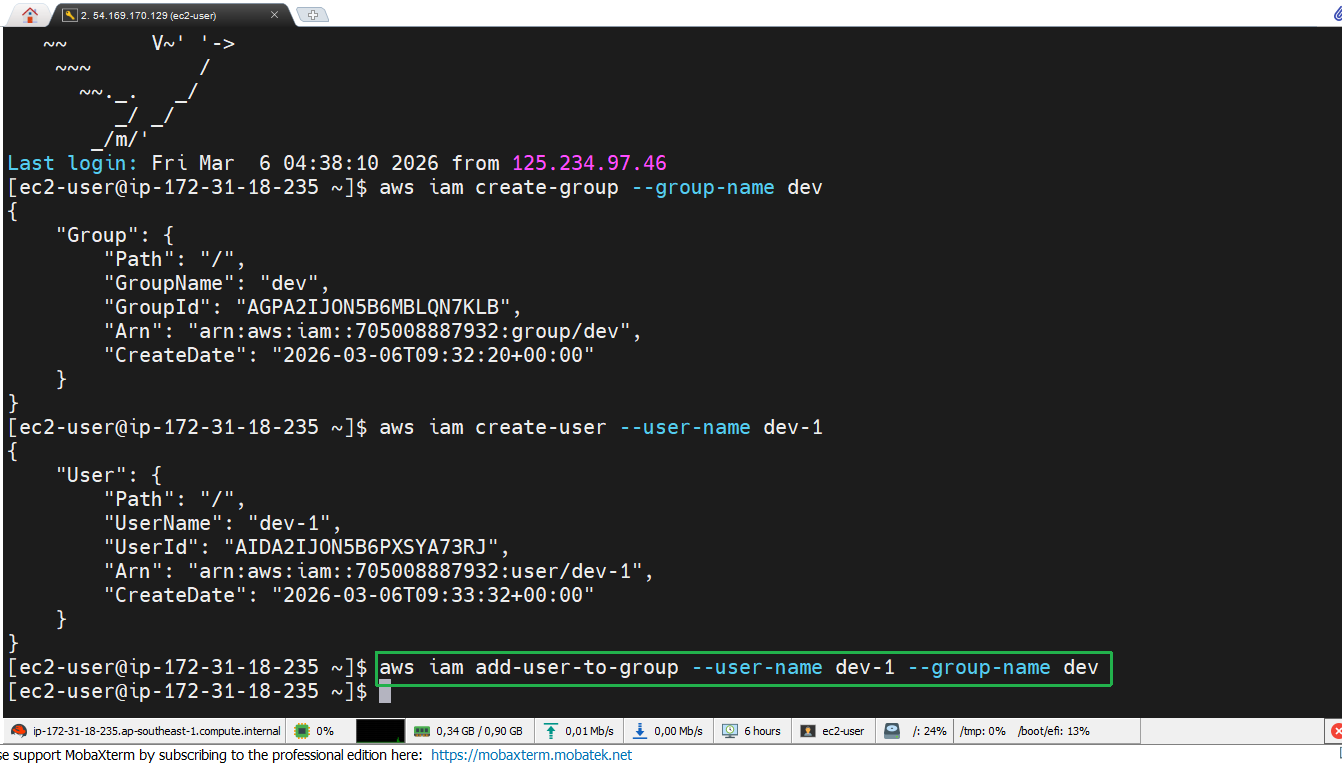
The next step is to add the newly created user to the dev group:
aws iam add-user-to-group --user-name dev-1 --group-name dev
- Check Group and User Details
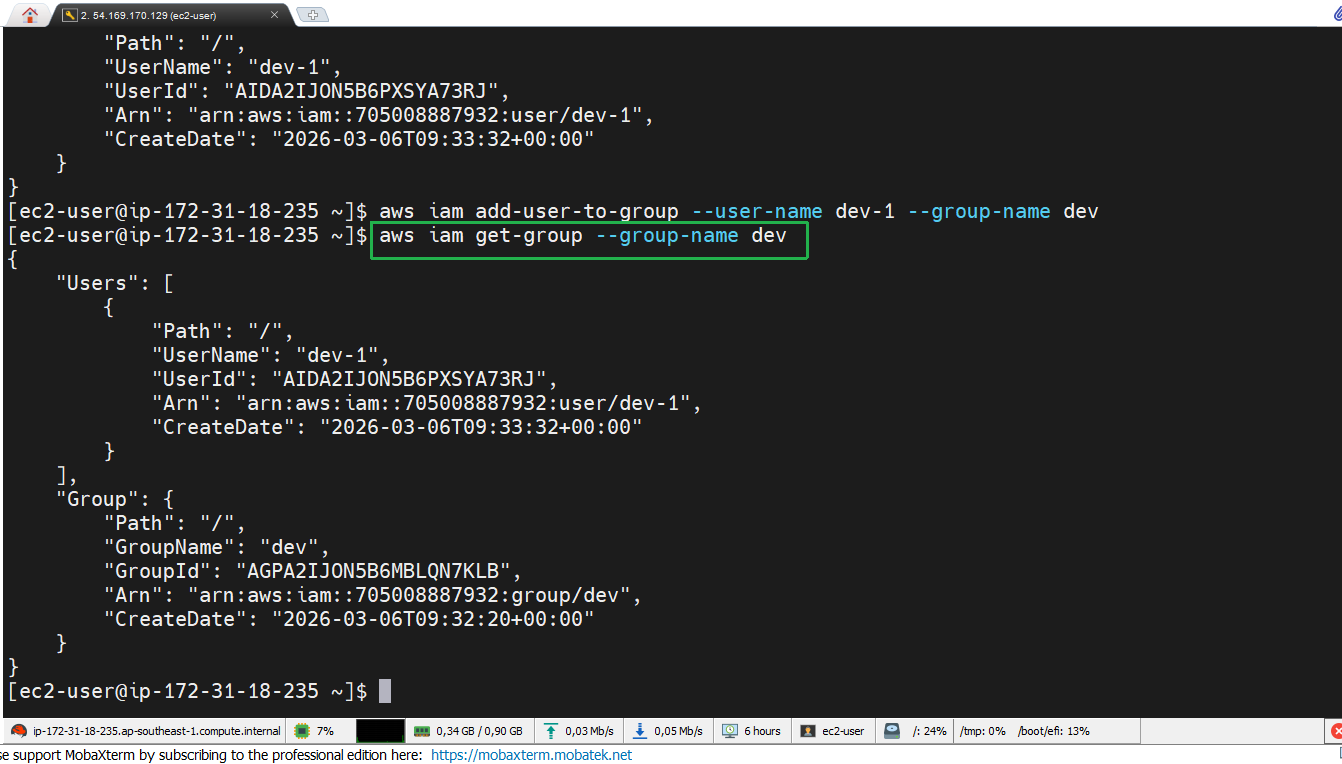
We can check the details of the group and user with the following command:
aws iam get-group --group-name dev
- Create Access Key for User
Next, we will create an Access Key for user dev-1:
aws iam create-access-key --user-name dev-1
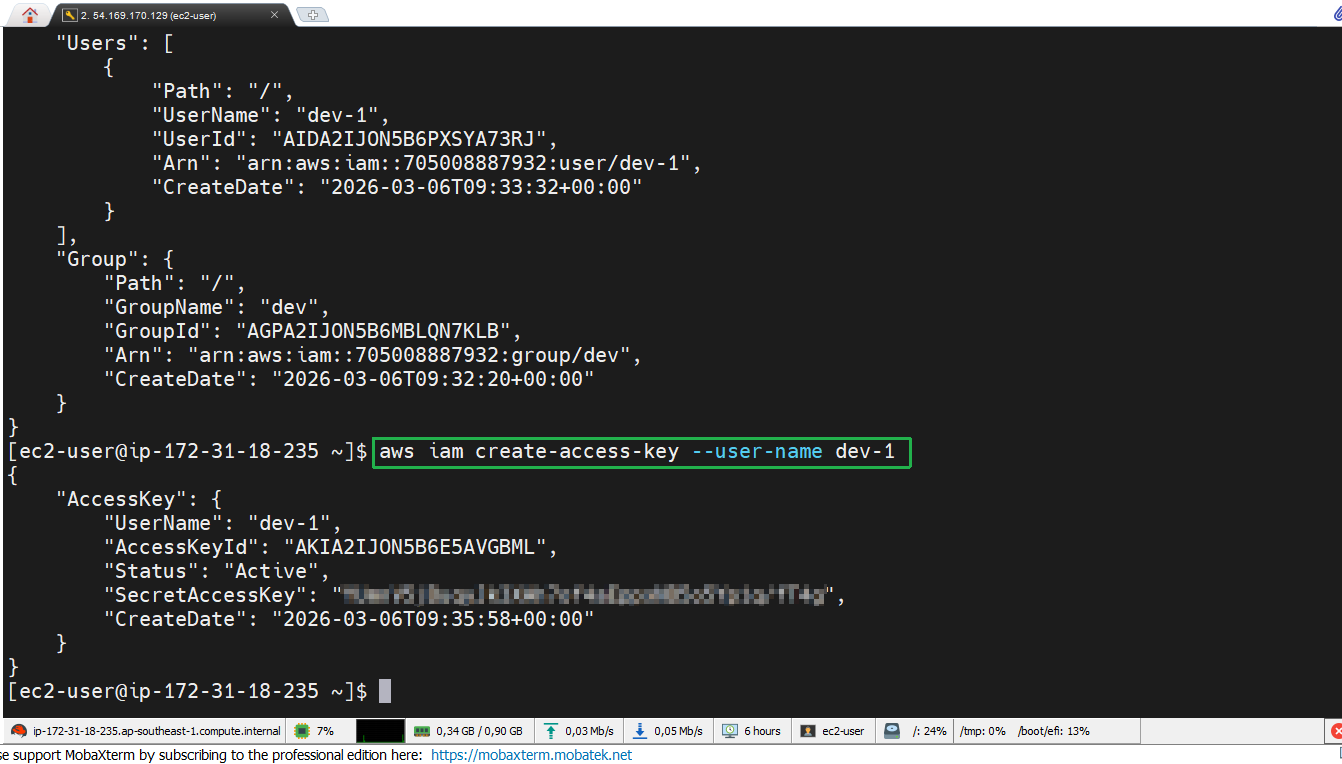
Ensure you store the Access Key ID and Secret Access Key securely.
- Finally, if you want to delete the created Access Key, we can do it with the following command:
aws iam delete-access-key --user-name dev-1 --access-key-id *dev-1-Access key*
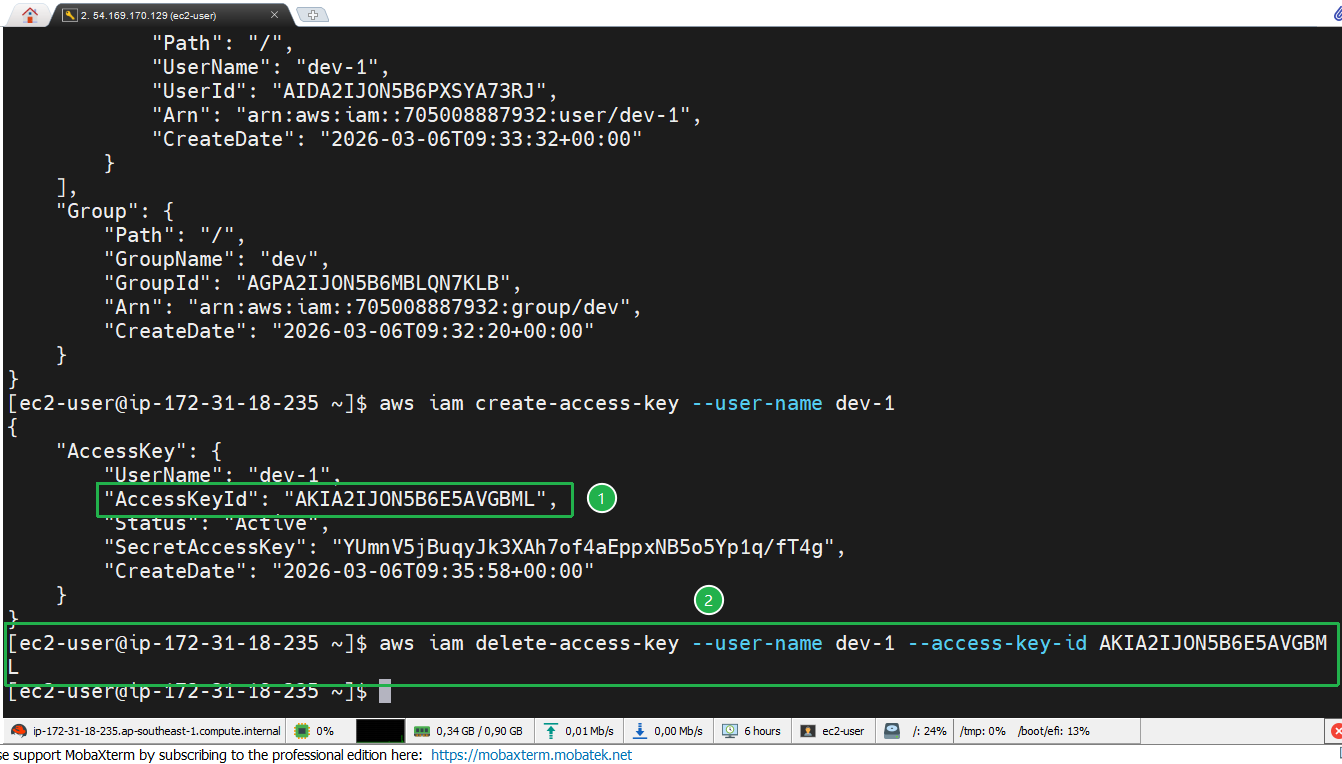
Remember to replace dev-1-Access key with the Access key created earlier.