Create Internet Gateway
AWS CLI with Internet Gateway
- Create Internet Gateway
aws ec2 create-internet-gateway --query InternetGateway.InternetGatewayId --output text
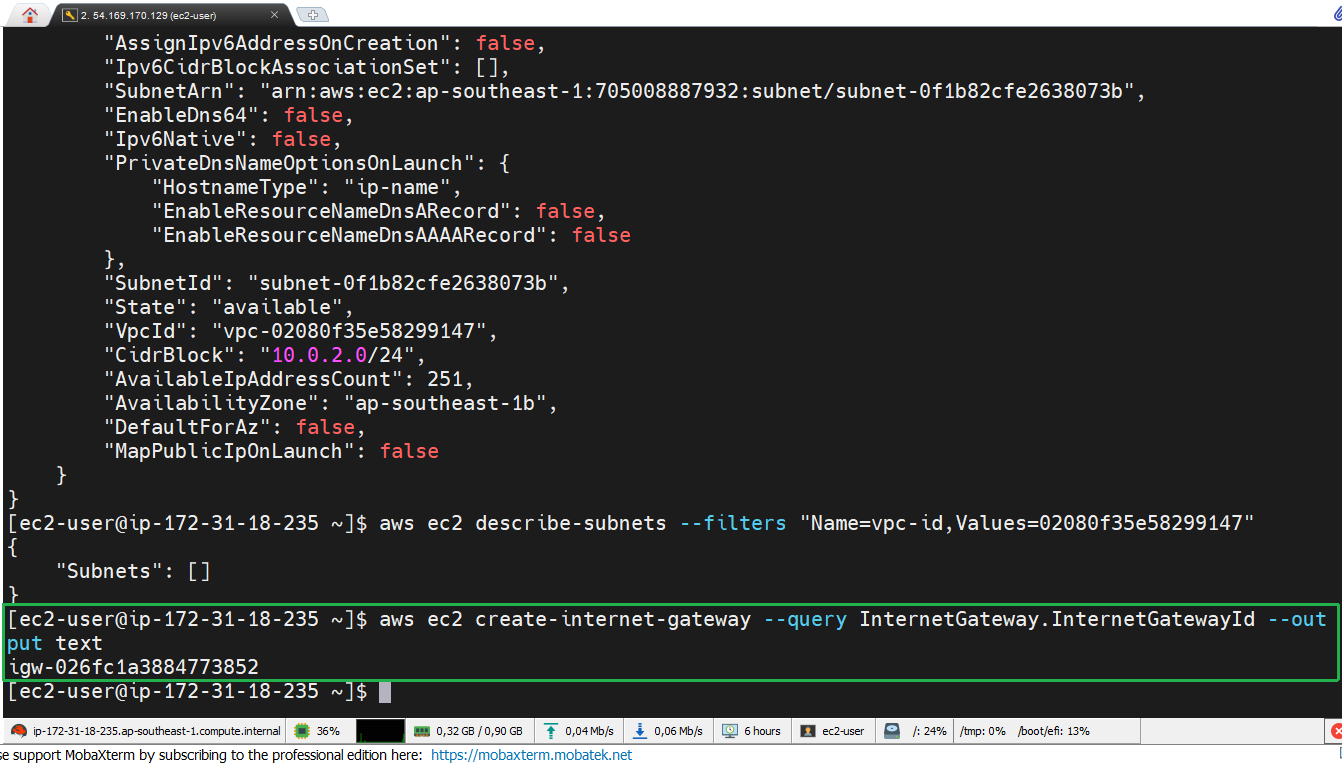
Internet Gateway allows resources in the VPC to communicate with the internet. This is a necessary component for public-facing applications.
- Confirm Internet Gateway
We will confirm that the Internet Gateway has been created successfully and use the Internet Gateway ID for the next steps.
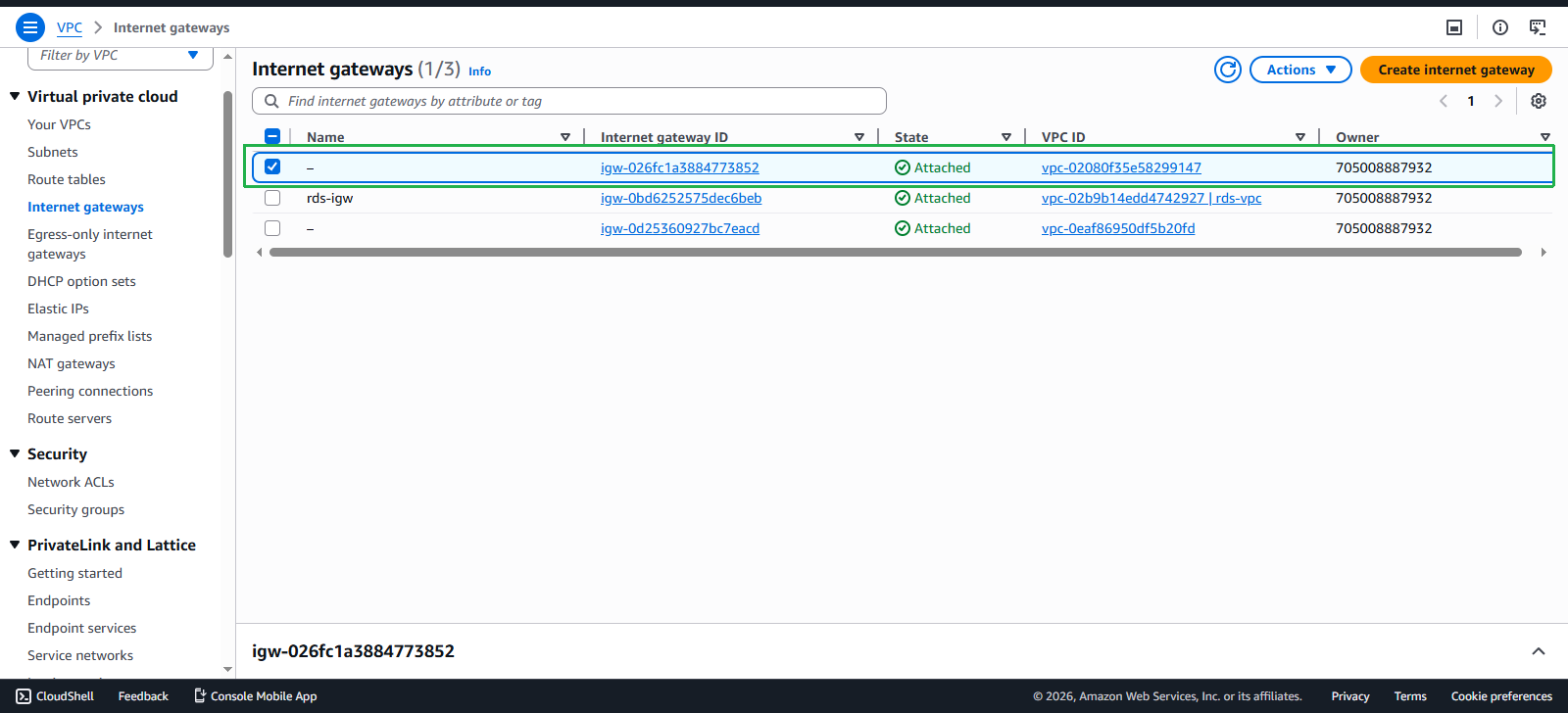
Confirming the Internet Gateway is an important step before proceeding to the next steps. Save the Internet Gateway ID for the following steps.
- Check VPC
We will check the VPC to use the VPC ID for the next step.
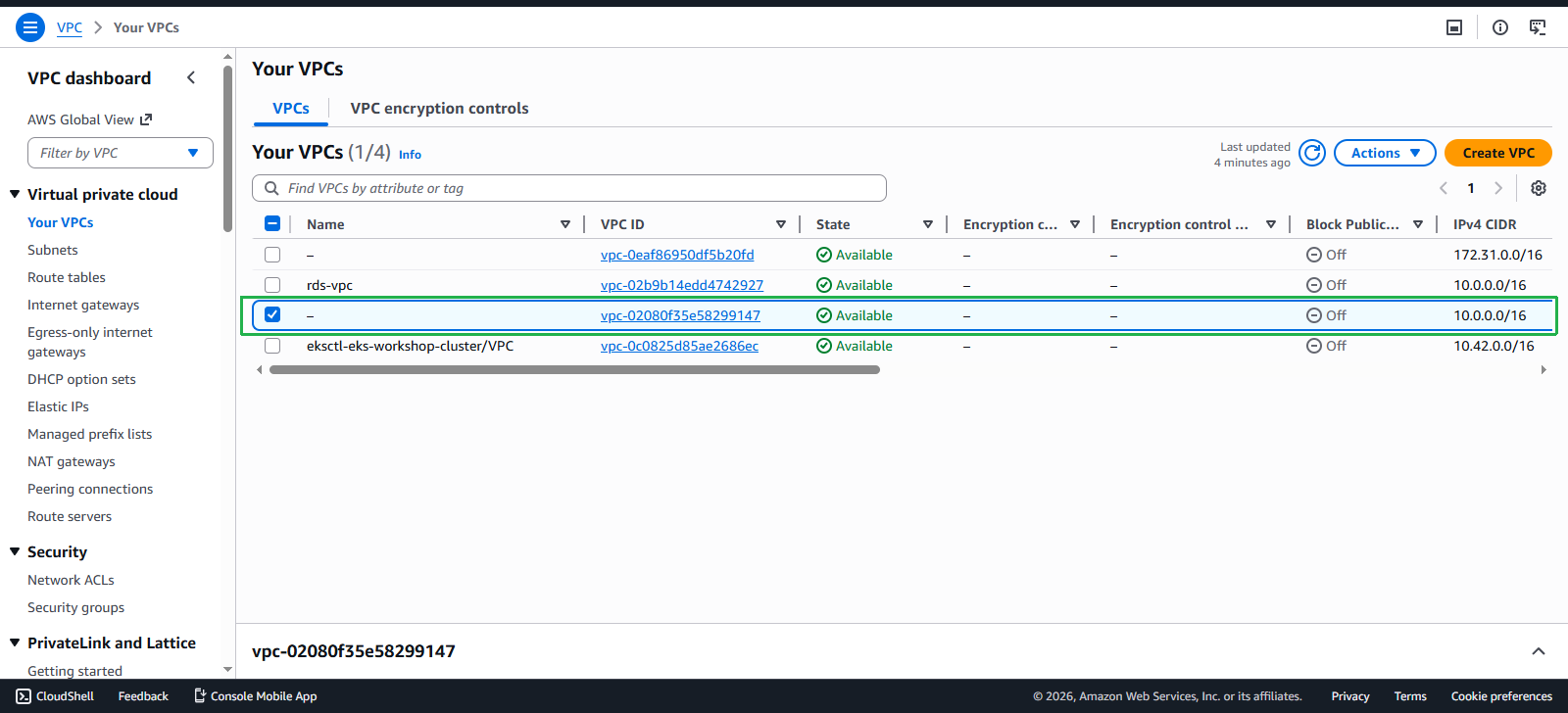
Save the VPC ID for the following steps.
- Attach Internet Gateway
After checking the Internet Gateway and VPC, we perform attach internet gateway by:
aws ec2 attach-internet-gateway --vpc-id <VPC-ID> --internet-gateway-id <IGW-ID>
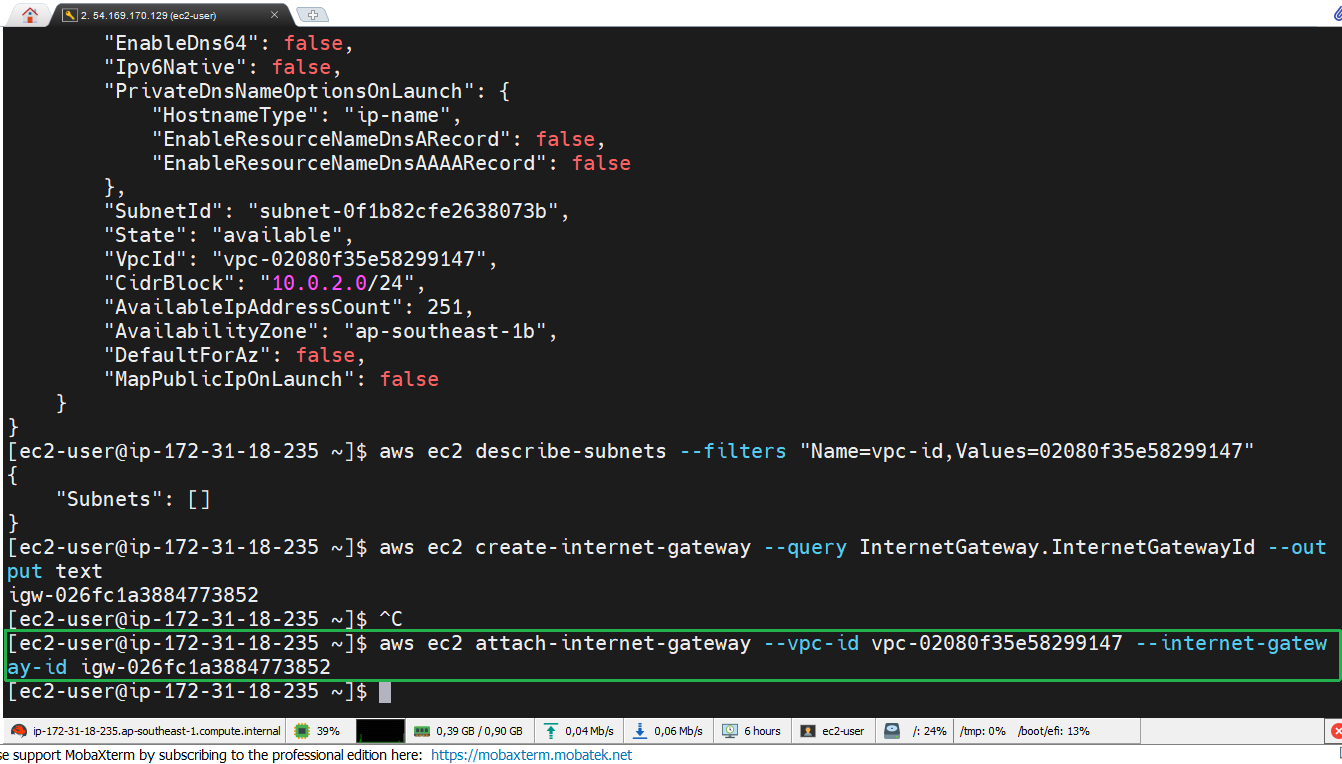
We need to use the correct VPC ID and Internet Gateway ID to attach successfully.