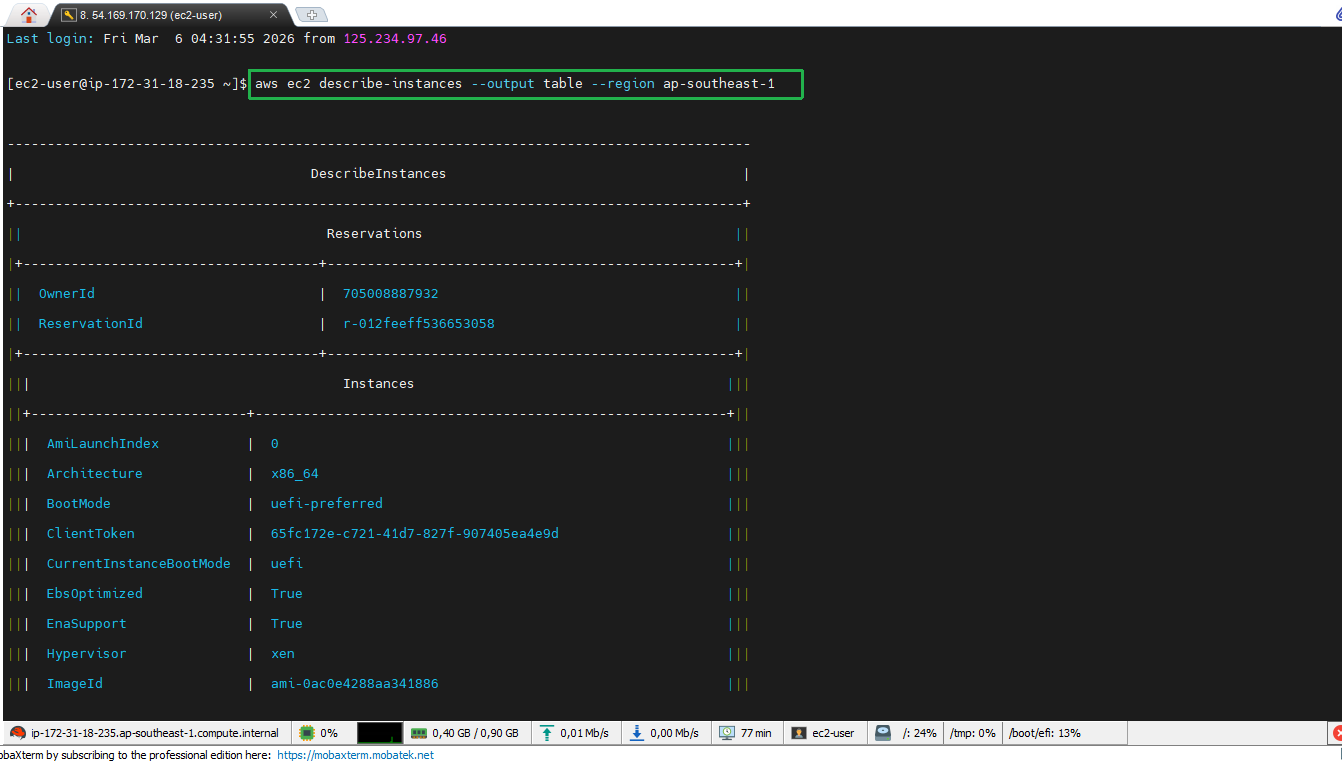
Check Resources via CLI
Verify AWS Resources
- Check profile resources
To check EC2 instances of a profile, we use the following command:
aws ec2 describe-instances --profile devops
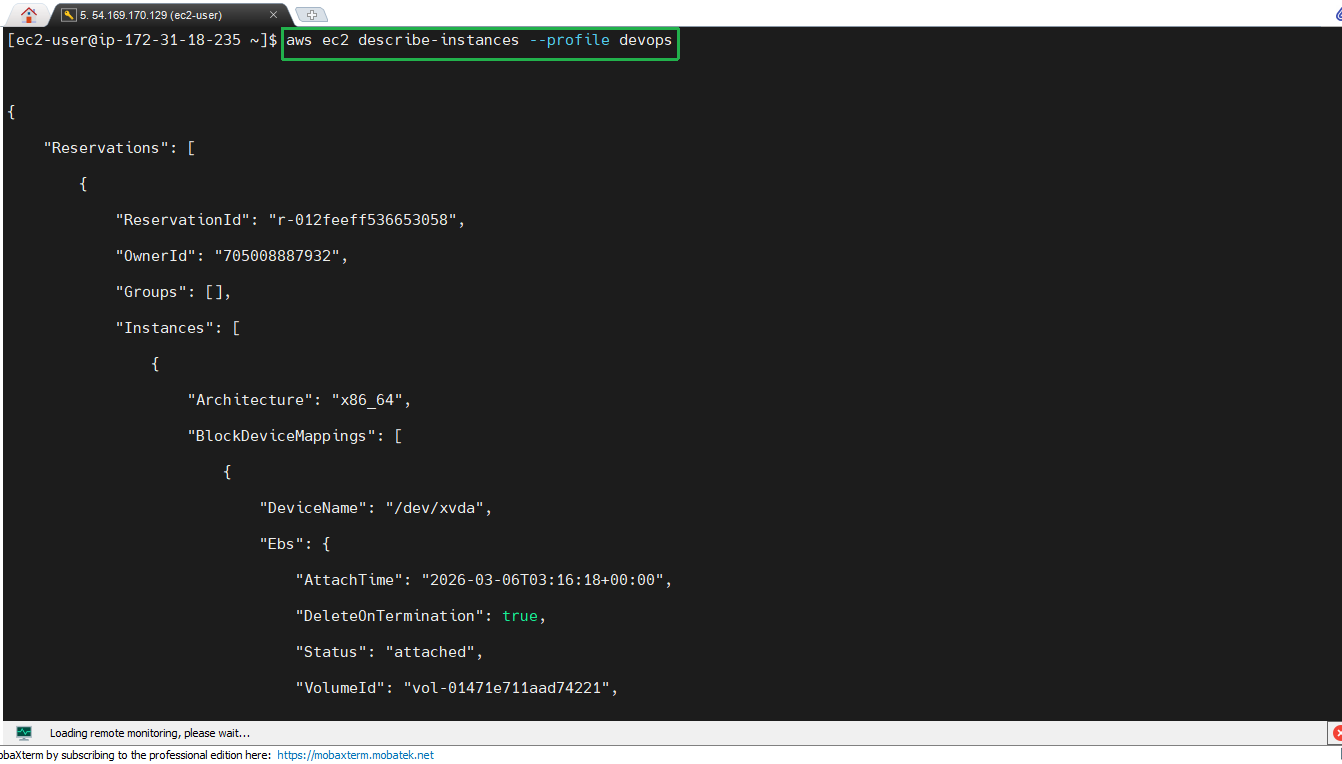
Ensure you have configured the correct AWS profile before running this command.
- Check S3 bucket count of profile
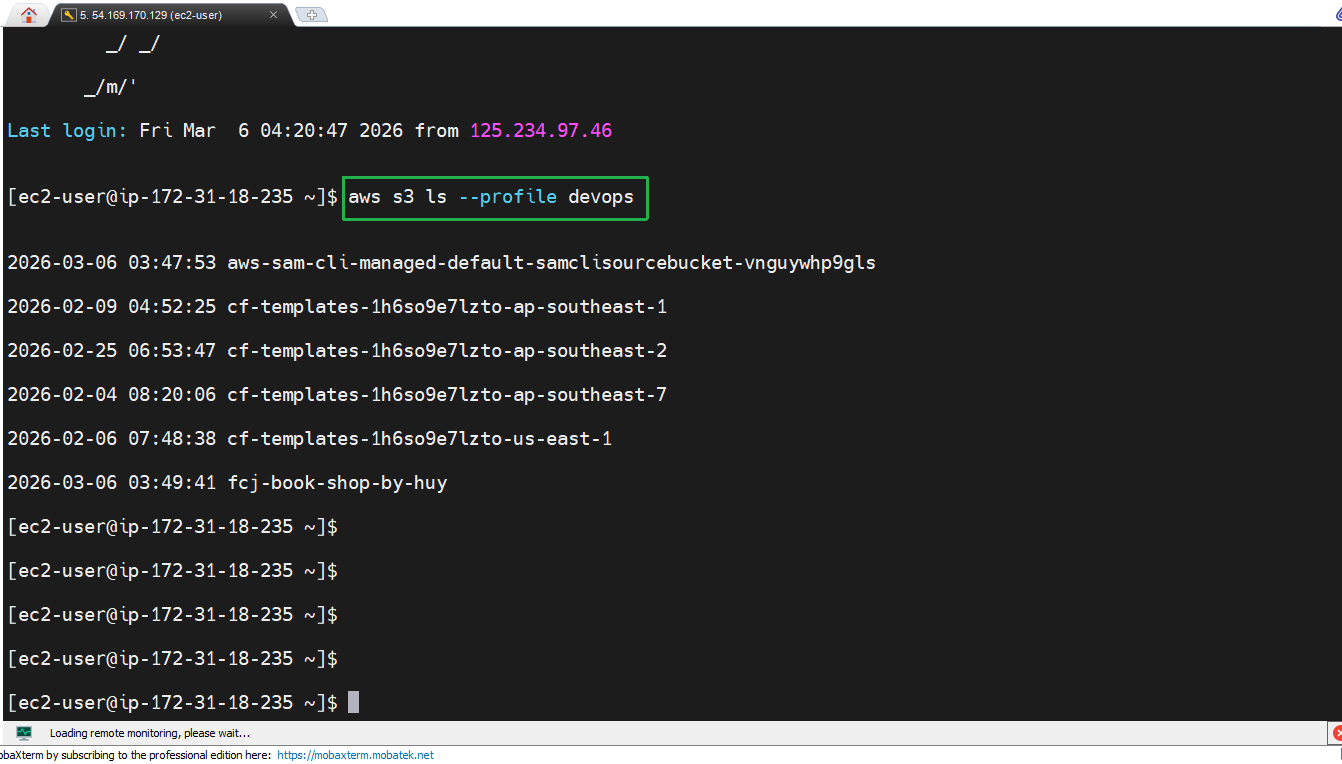
To list S3 buckets of a profile, use the command:
aws s3 ls --profile devops
- Use CLI Auto Prompt
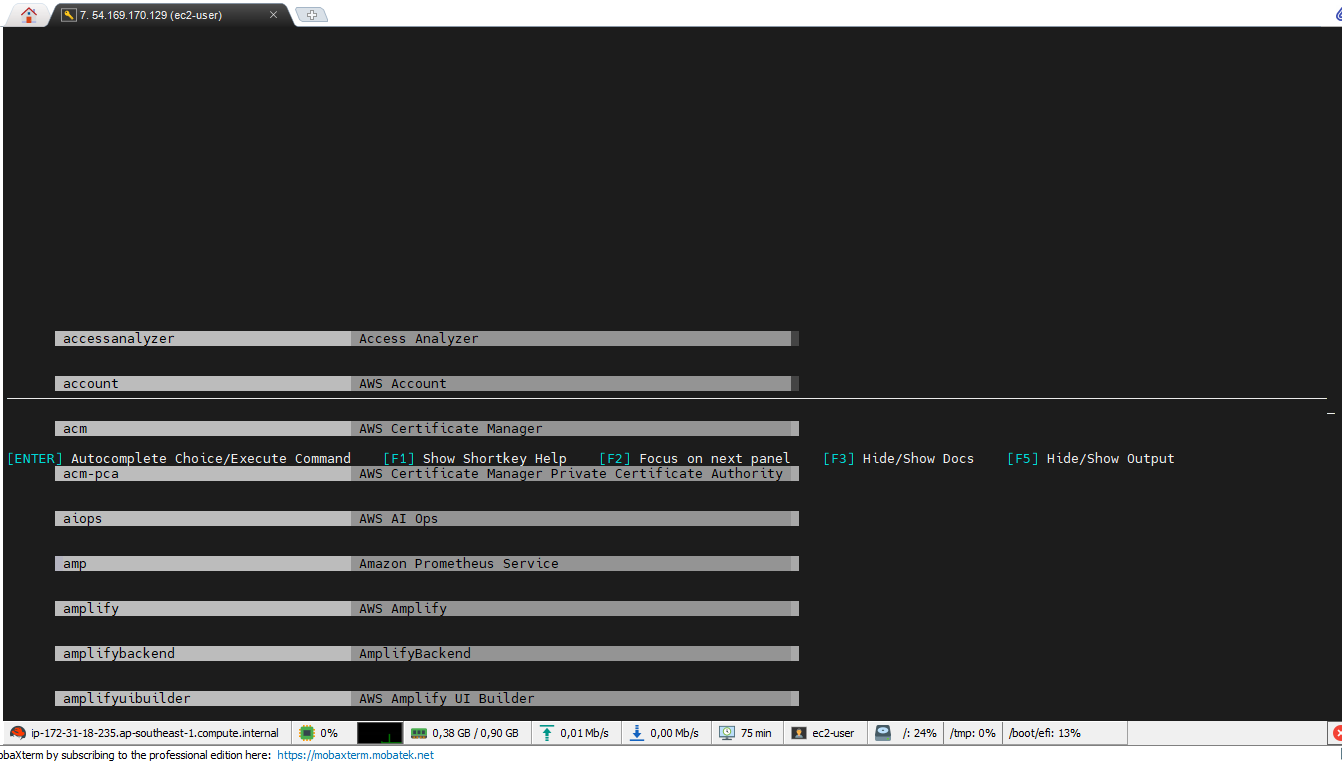
AWS CLI Auto Prompt helps suggest parameters and commands, very useful when you don’t remember the exact syntax:
aws --cli-auto-prompt
- View detailed EC2 description in table format
To view EC2 instance information in table format, you can use the command:
aws ec2 describe-instances --output table --region ap-southeast-1