AWS CLI with Amazon S3
Working with S3 Buckets and Objects
Introduction: In this section, we will use AWS CLI to interact with AWS S3 service. Operations include creating and managing buckets and objects in S3.
Create S3 bucket
To create an S3 bucket, use the following command:
aws s3 mb s3://aws-cli-2026-18012003
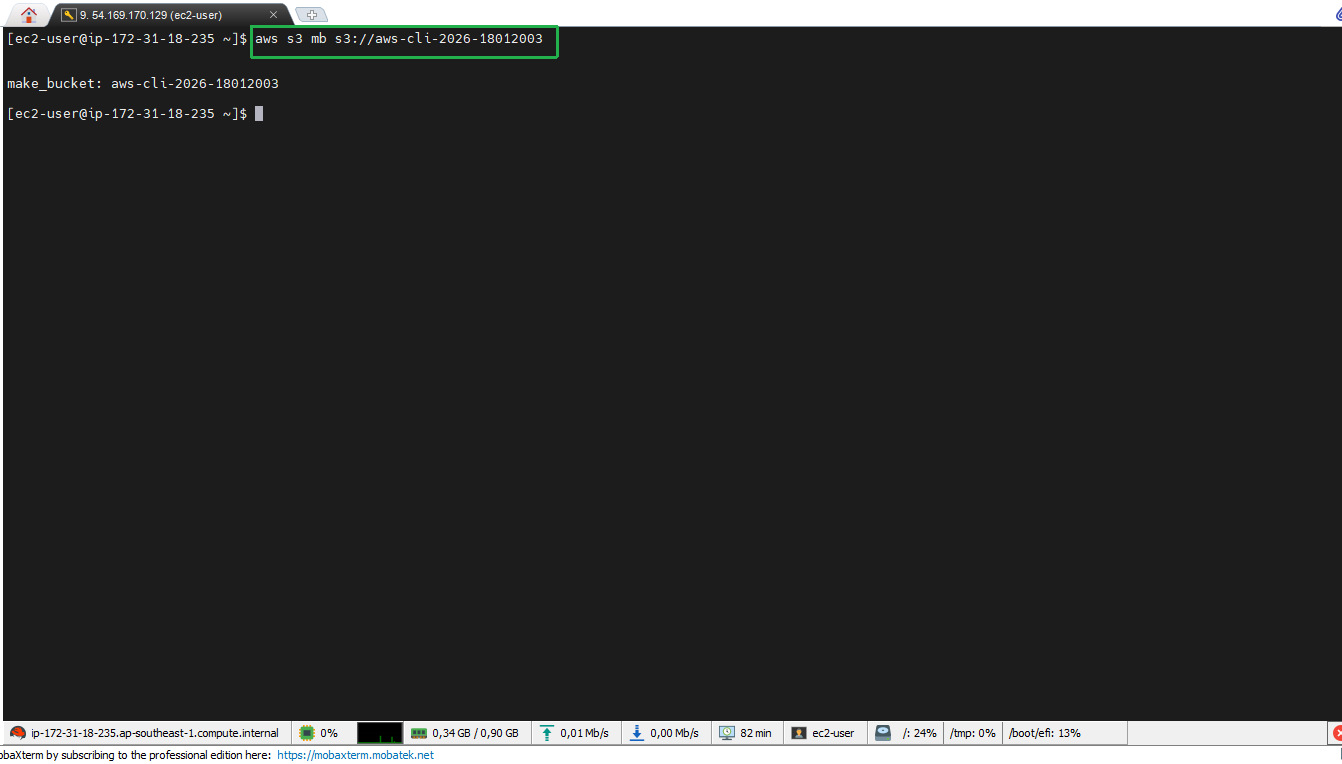
Ensure you choose a globally unique bucket name. You can add your birthdate to the bucket name.
- Bucket has been created successfully
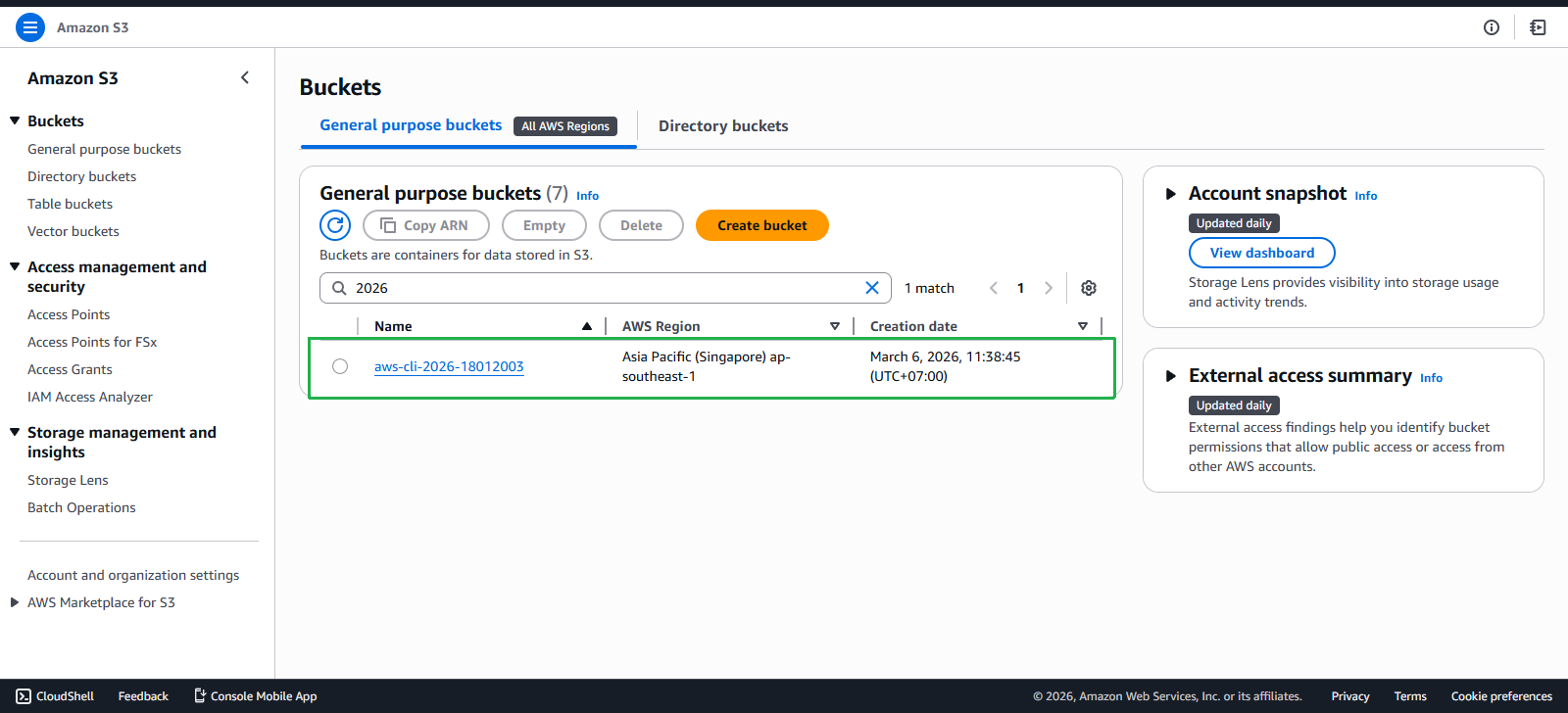
List S3 buckets
To view the list of buckets currently in your account:
aws s3 ls
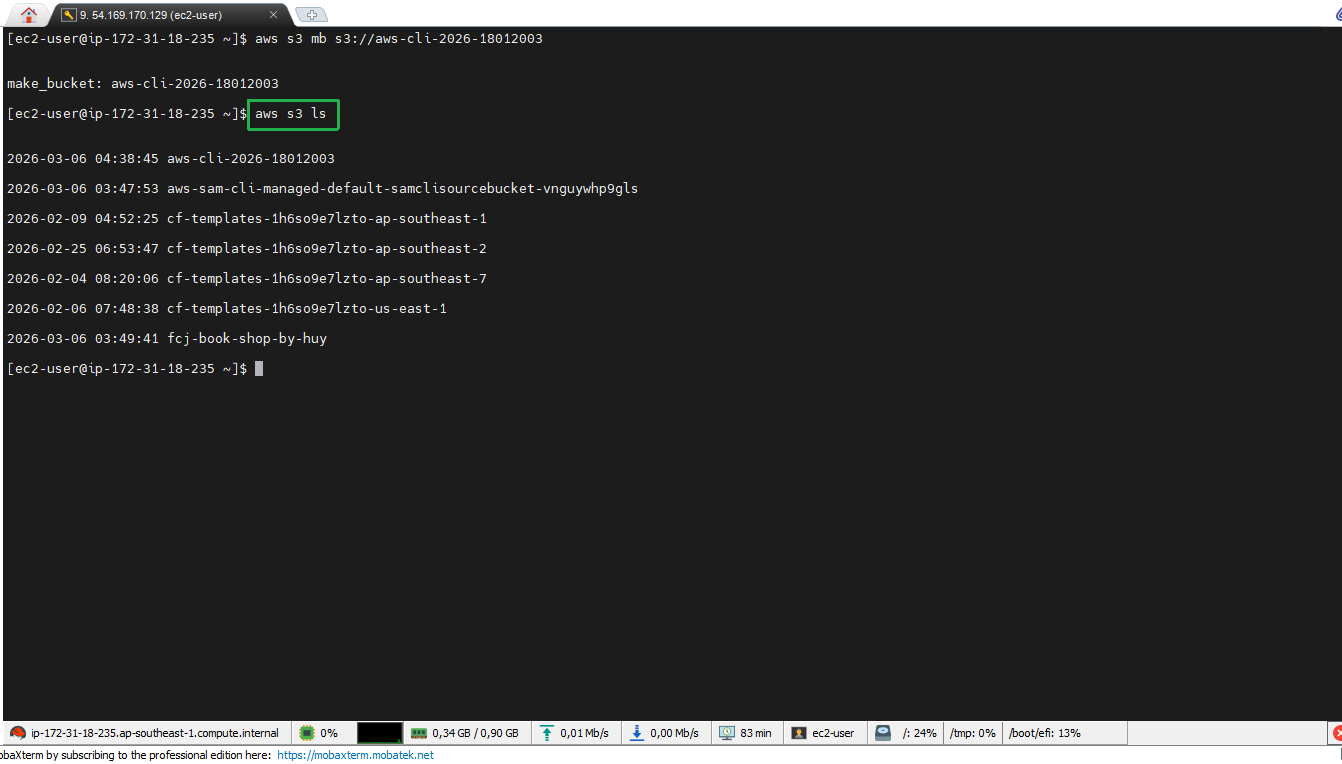
If you don’t see any buckets, you need to ensure you have access to AWS S3.
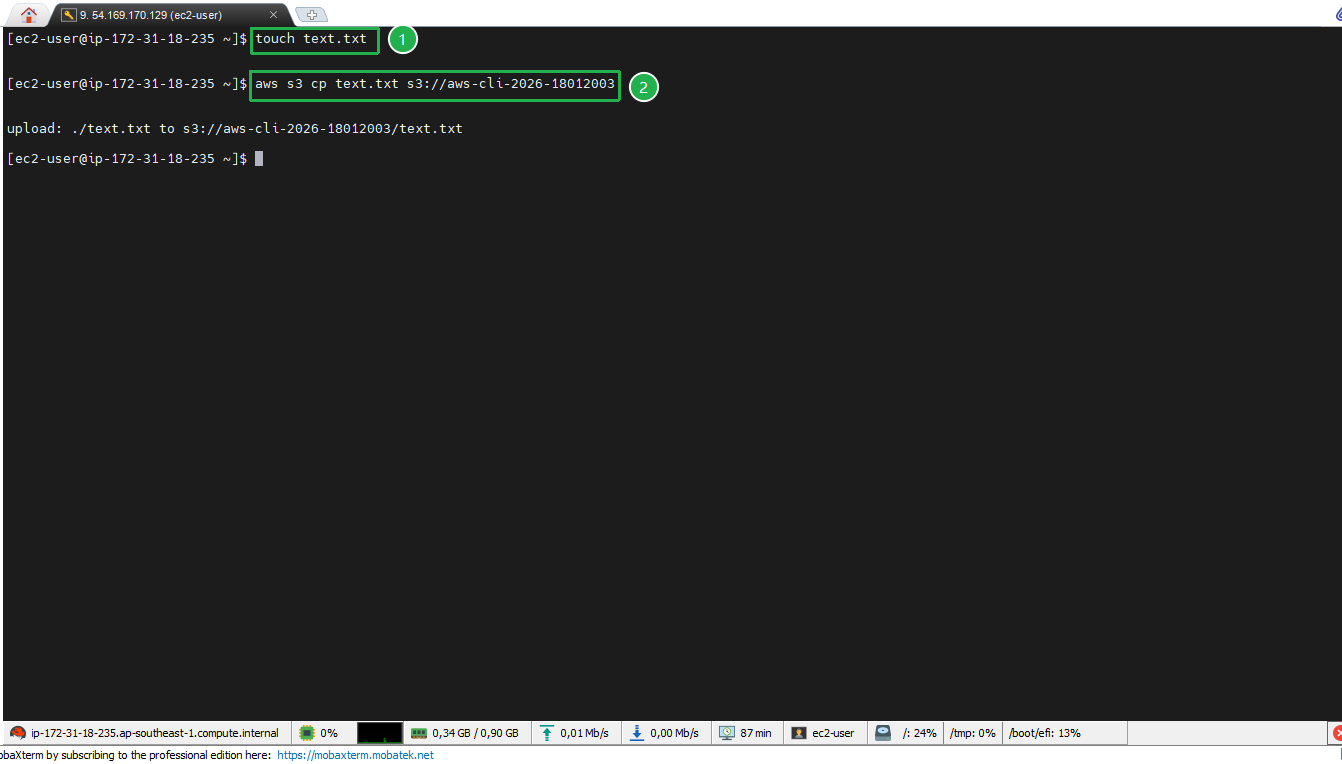
- Add an object to S3 bucket Create a text.txt file and upload it to the S3 bucket:
touch text.txt
aws s3 cp text.txt s3://bucket-name
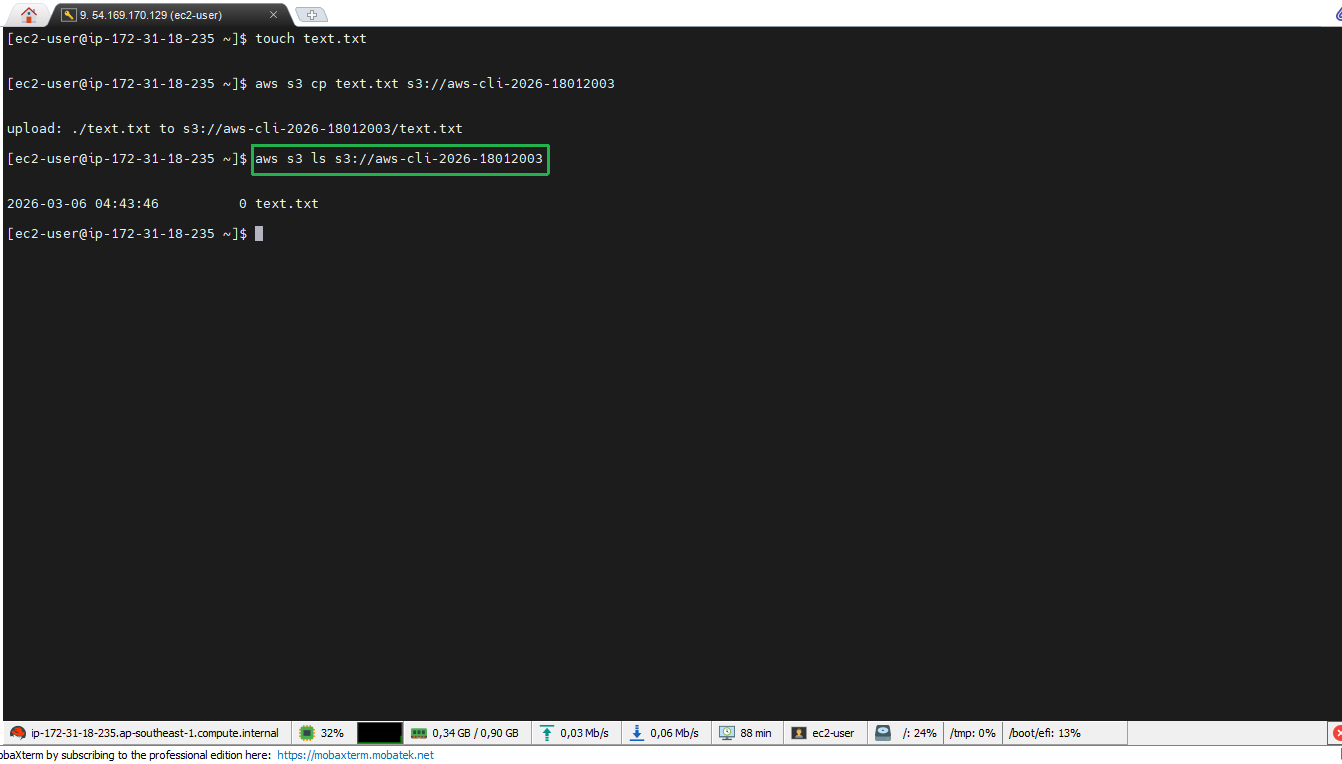
Check objects in S3 bucket
To list objects in a specific bucket:
aws s3 ls s3://bucket-name
Delete object in S3 bucket
When you need to delete an object from a bucket:
aws s3 rm s3://bucket-name/object
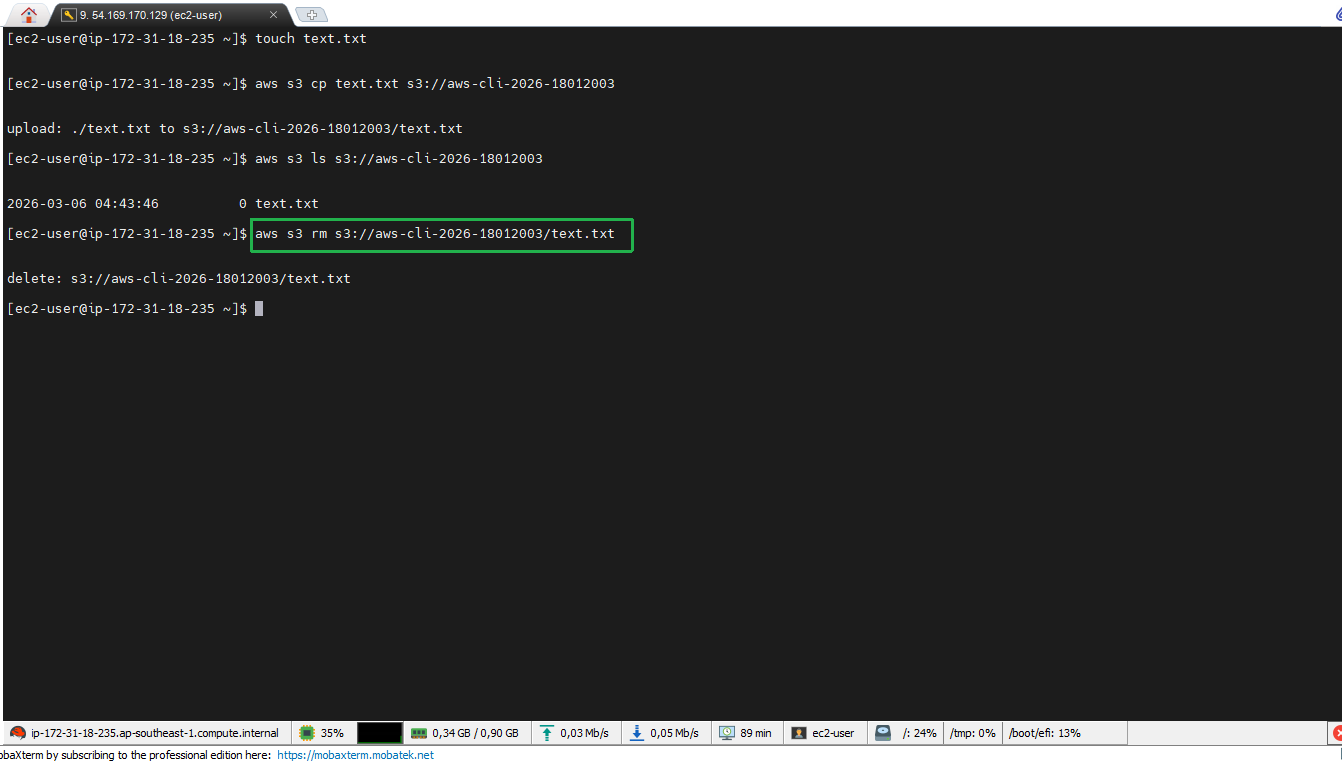
Note: Deleting an object cannot be undone, be careful when executing this command.
Delete S3 bucket
After deleting all objects in the bucket, you can delete the bucket with the following command:
aws s3 rb s3://bucket-name
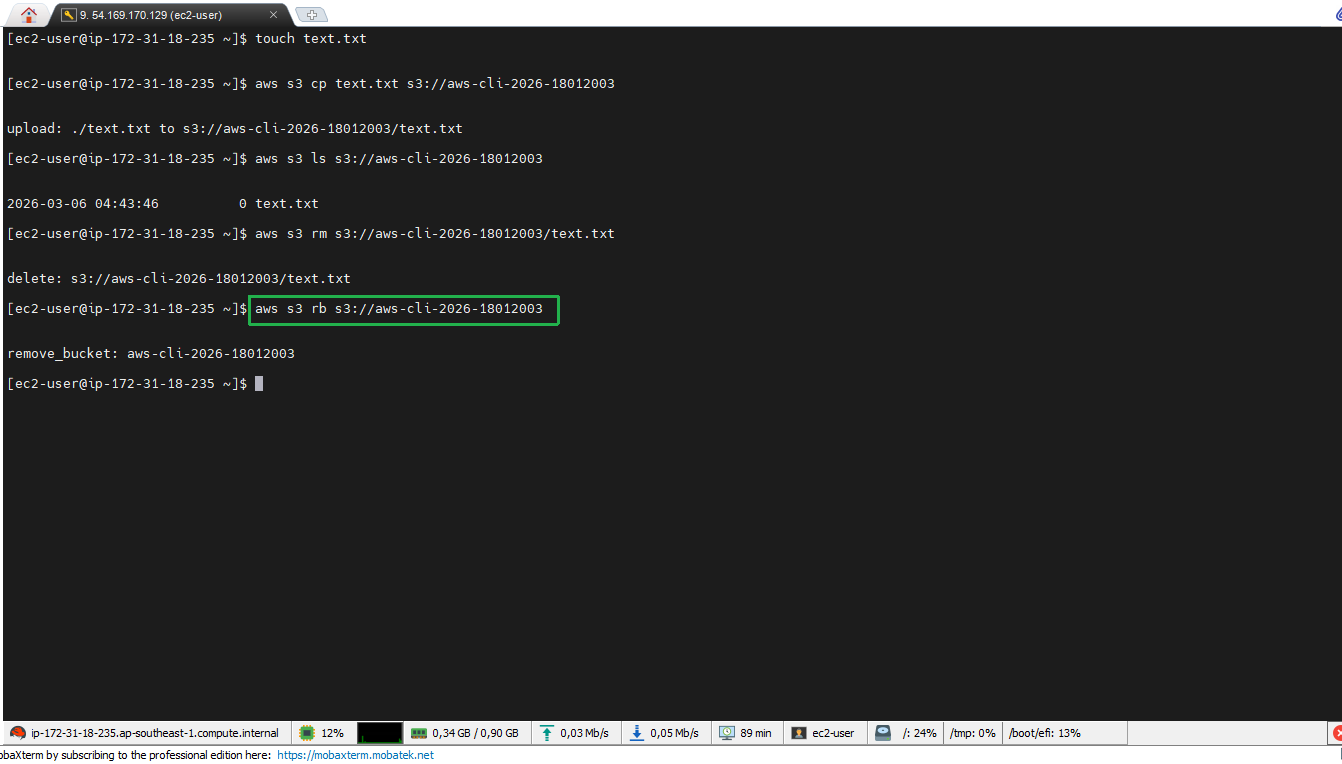
Warning: You can only delete a bucket if it is empty.